
Our Work

Mac & iOS App
SuperDown
A download manager for Mac, iPhone and iPad that fetches every file over many connections at once.
macOS
iOS
Utilities
Overview
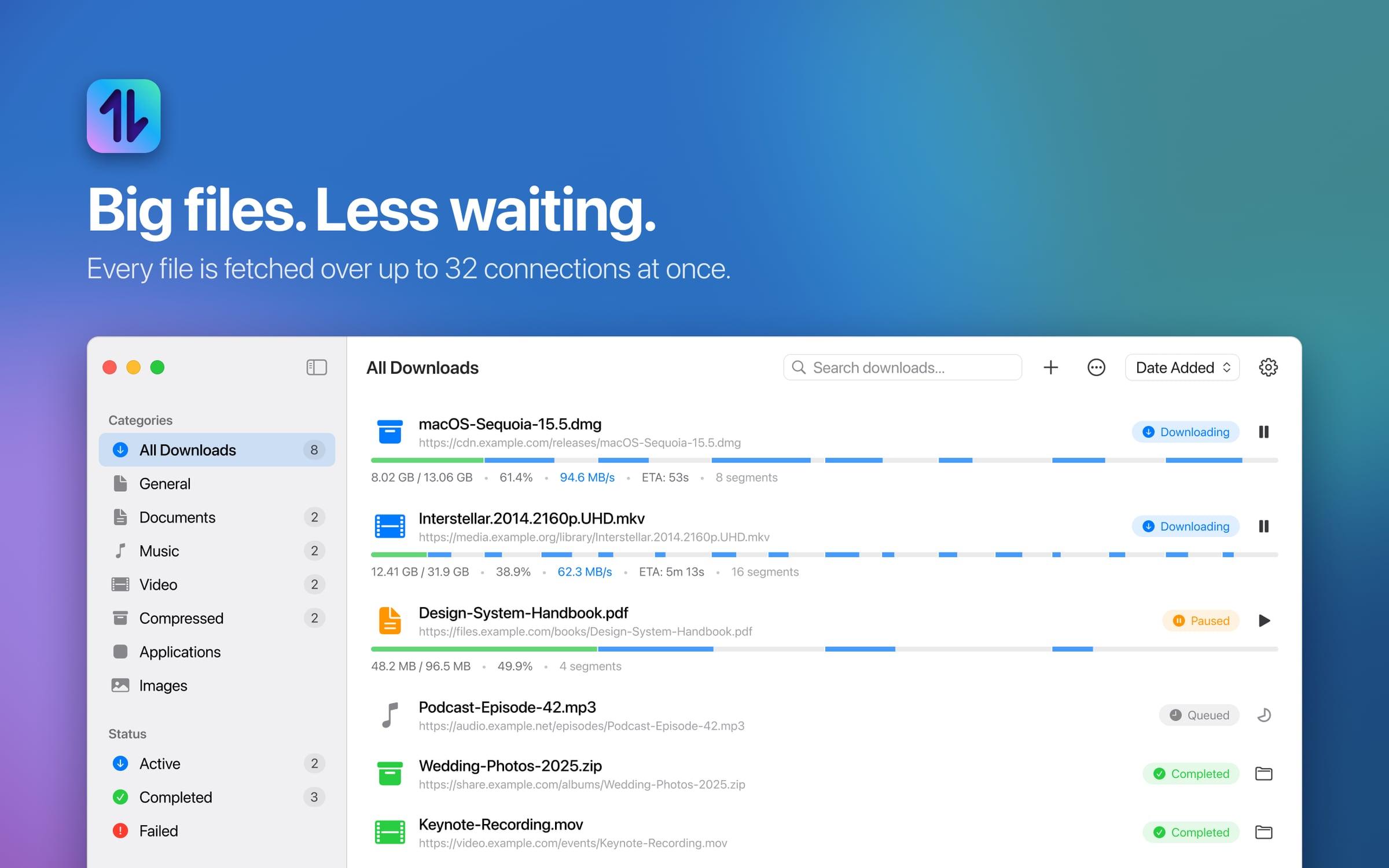
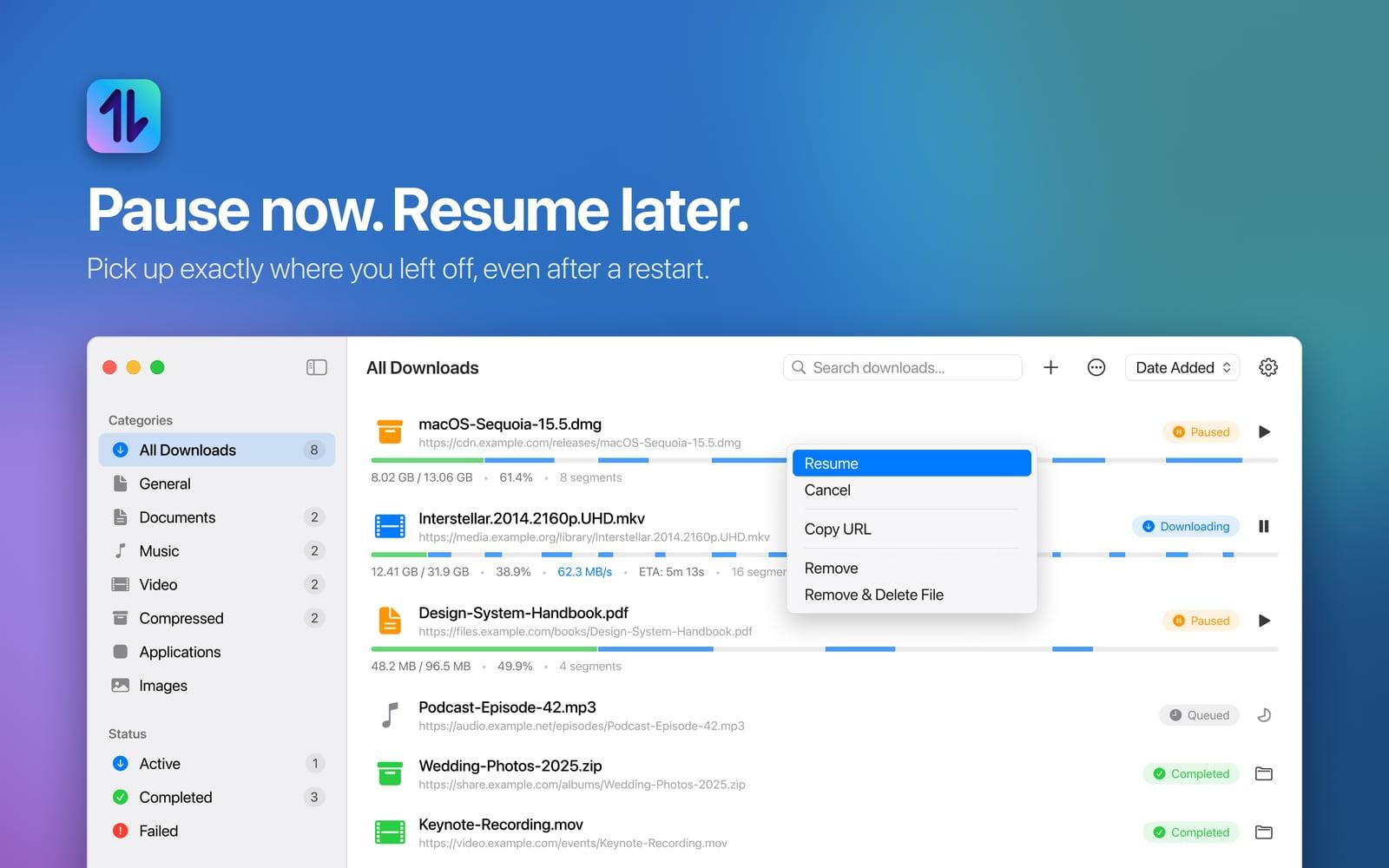
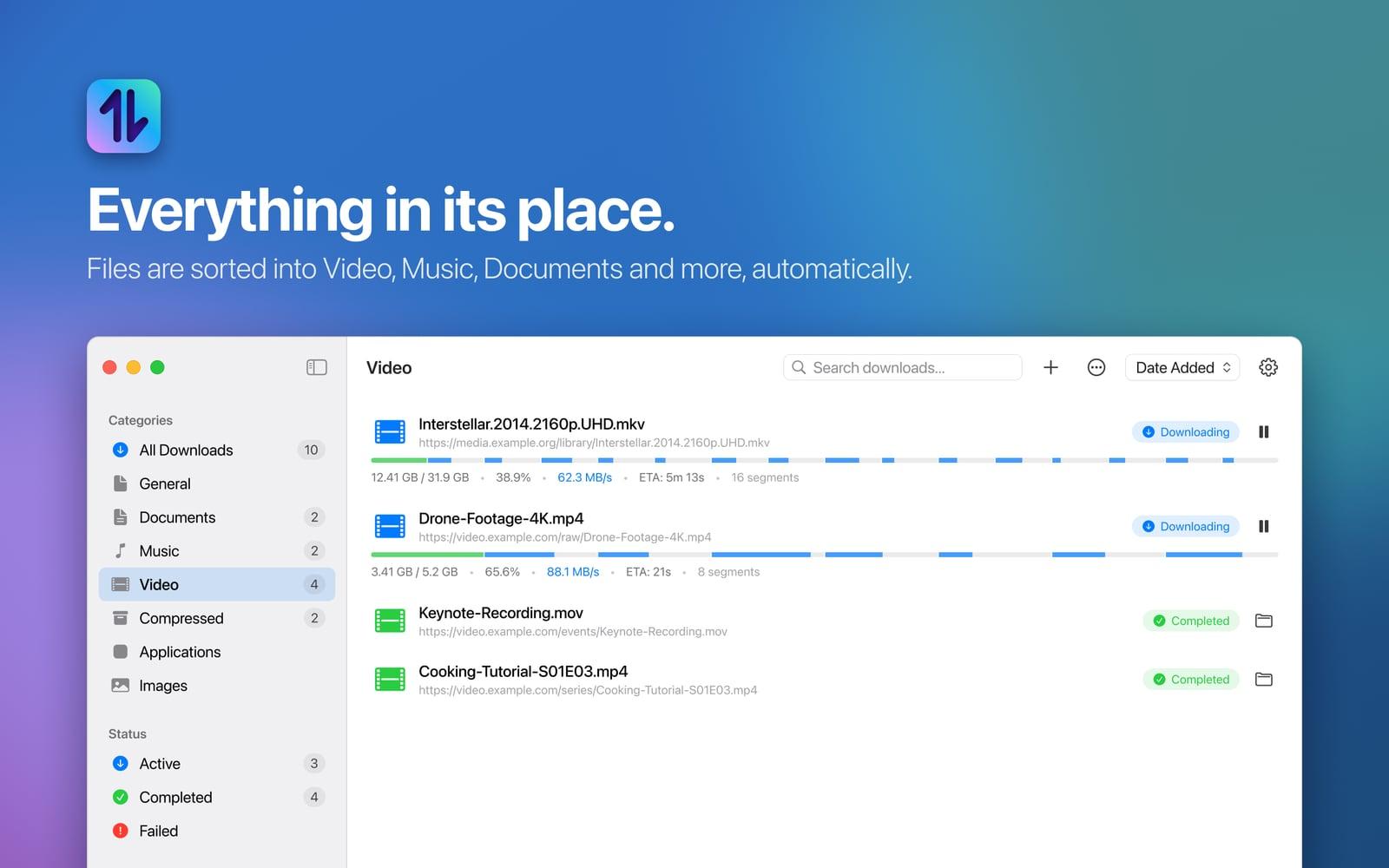
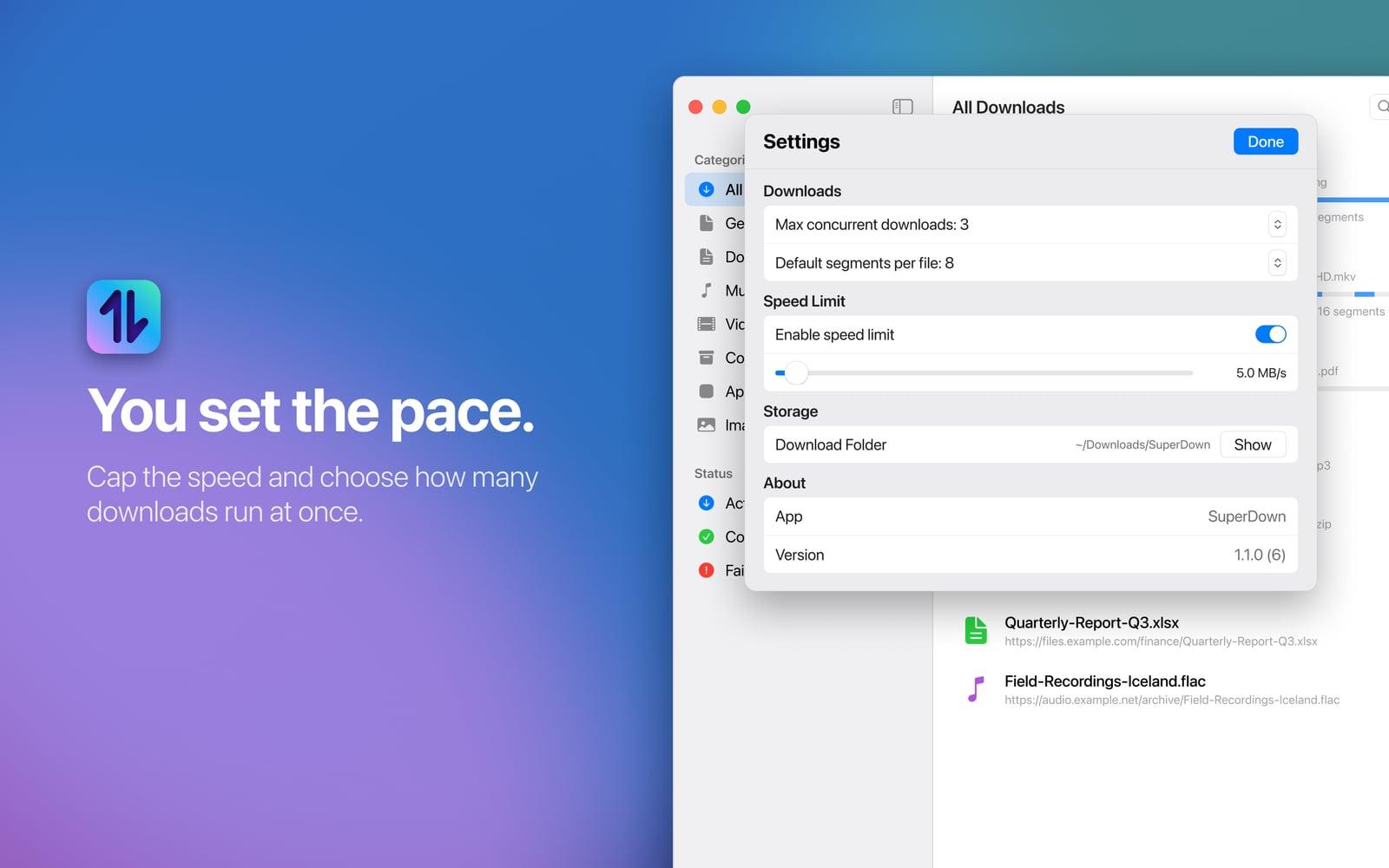
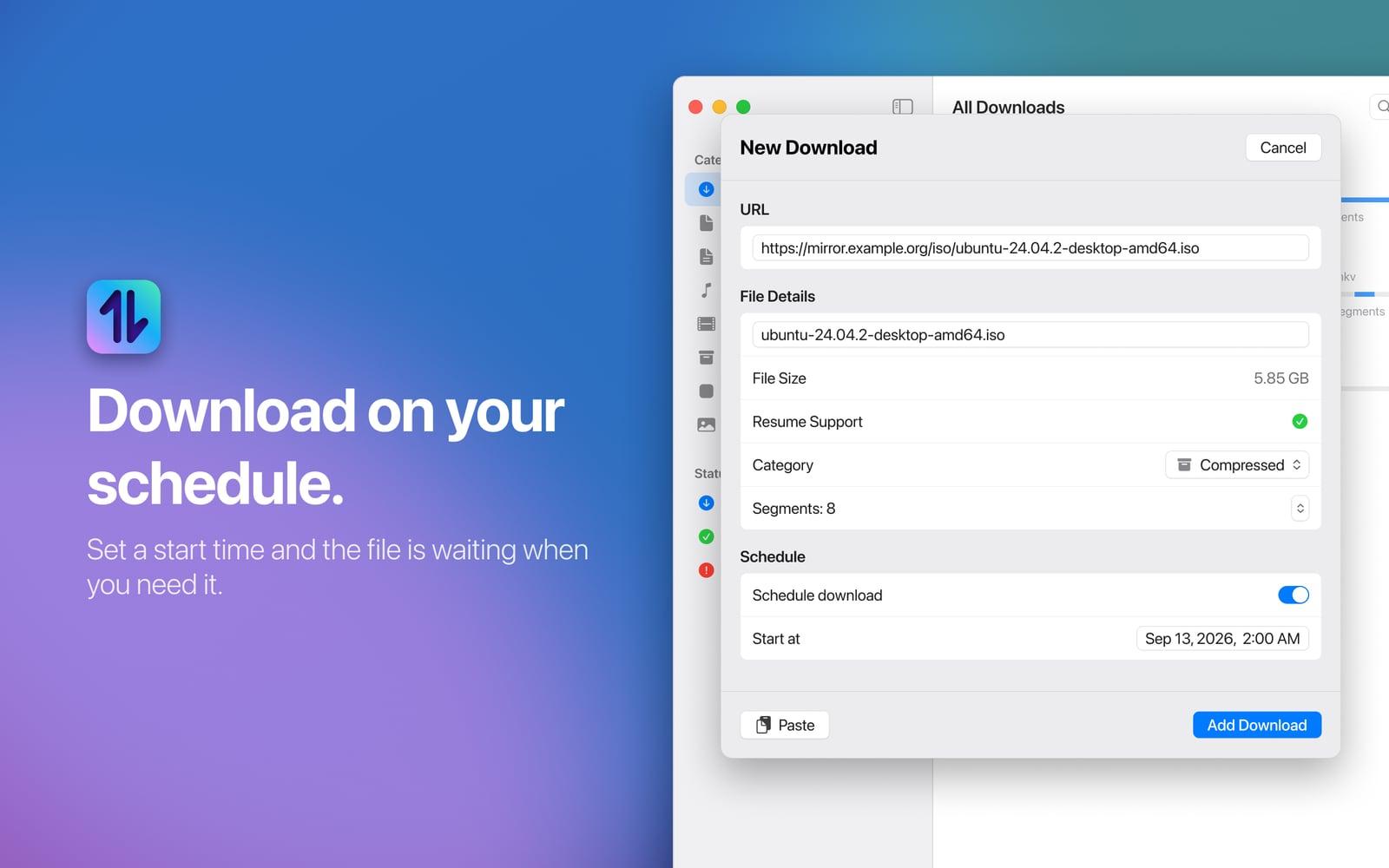
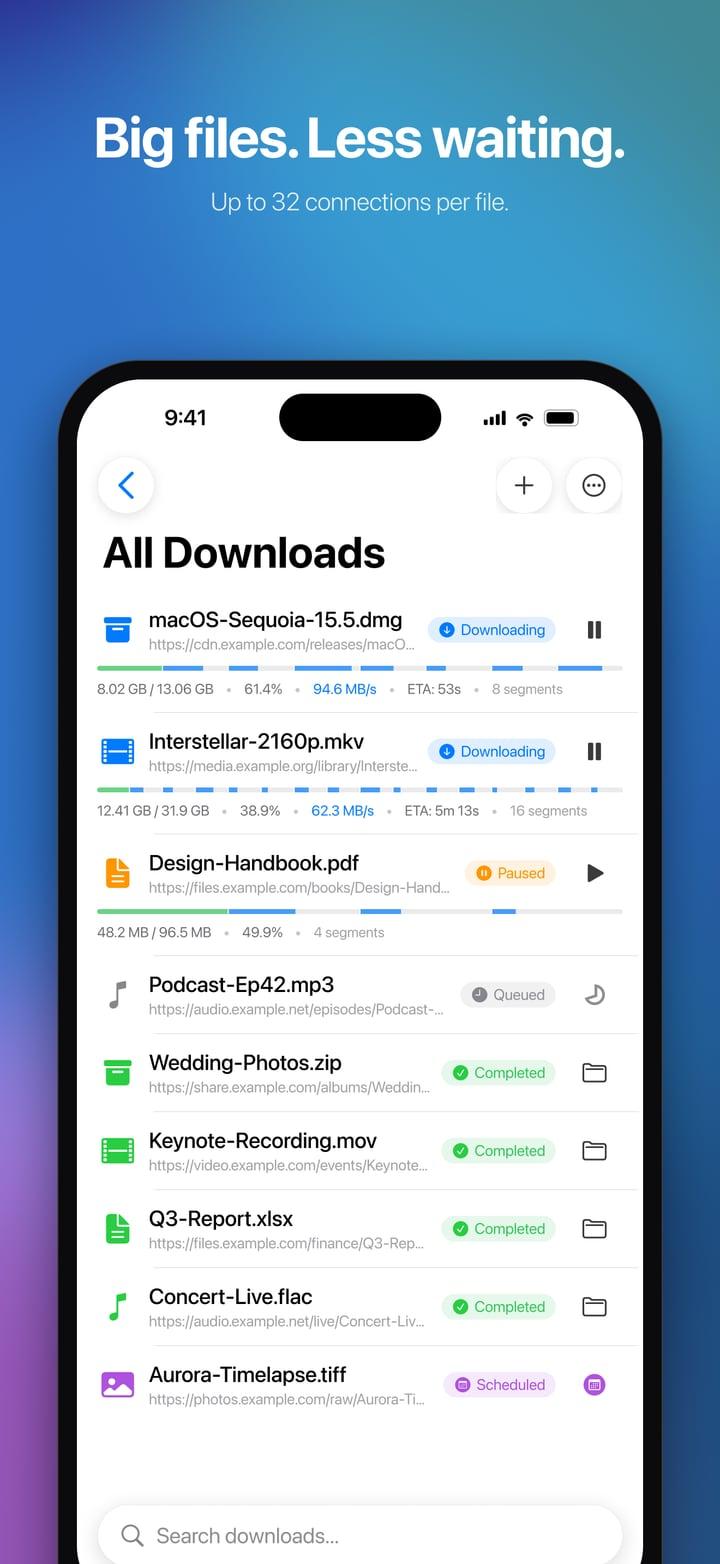
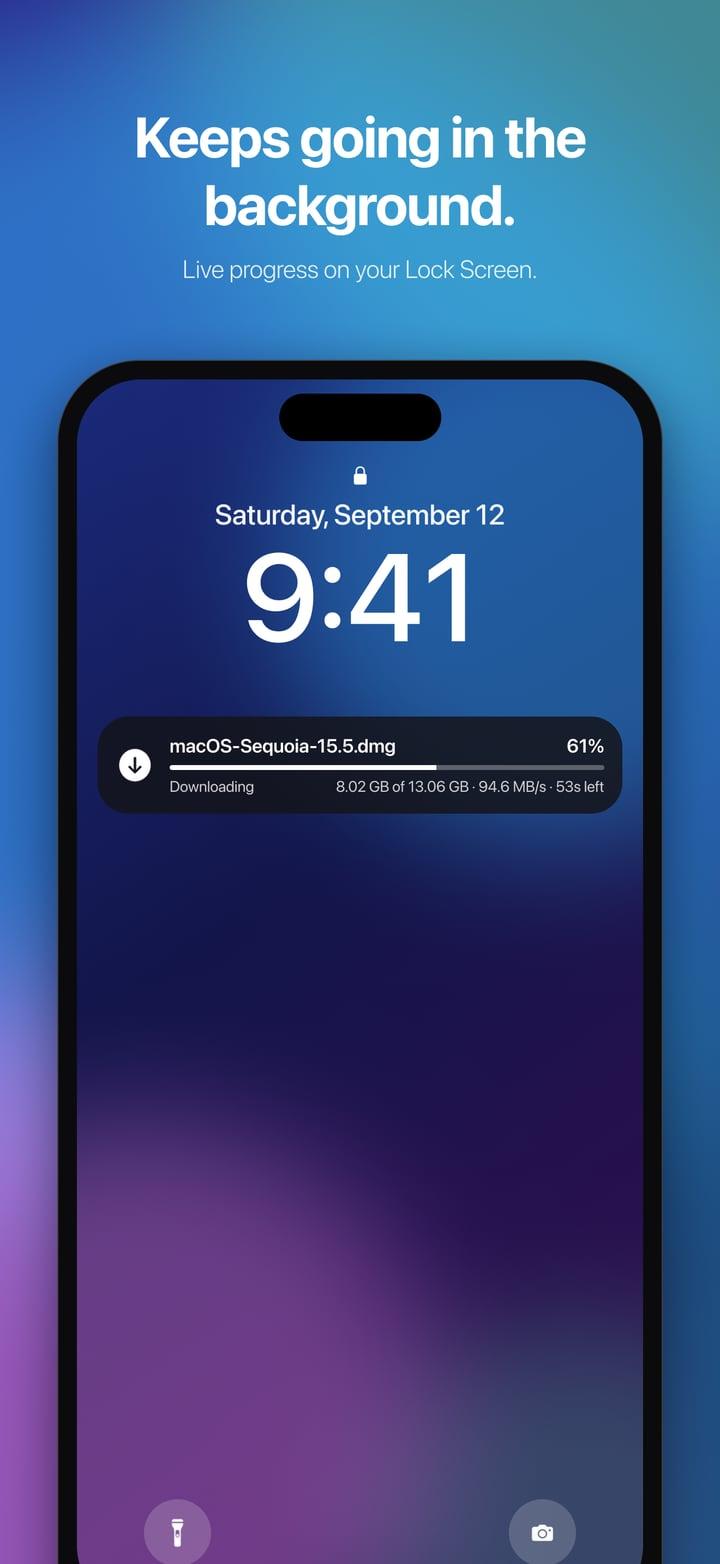
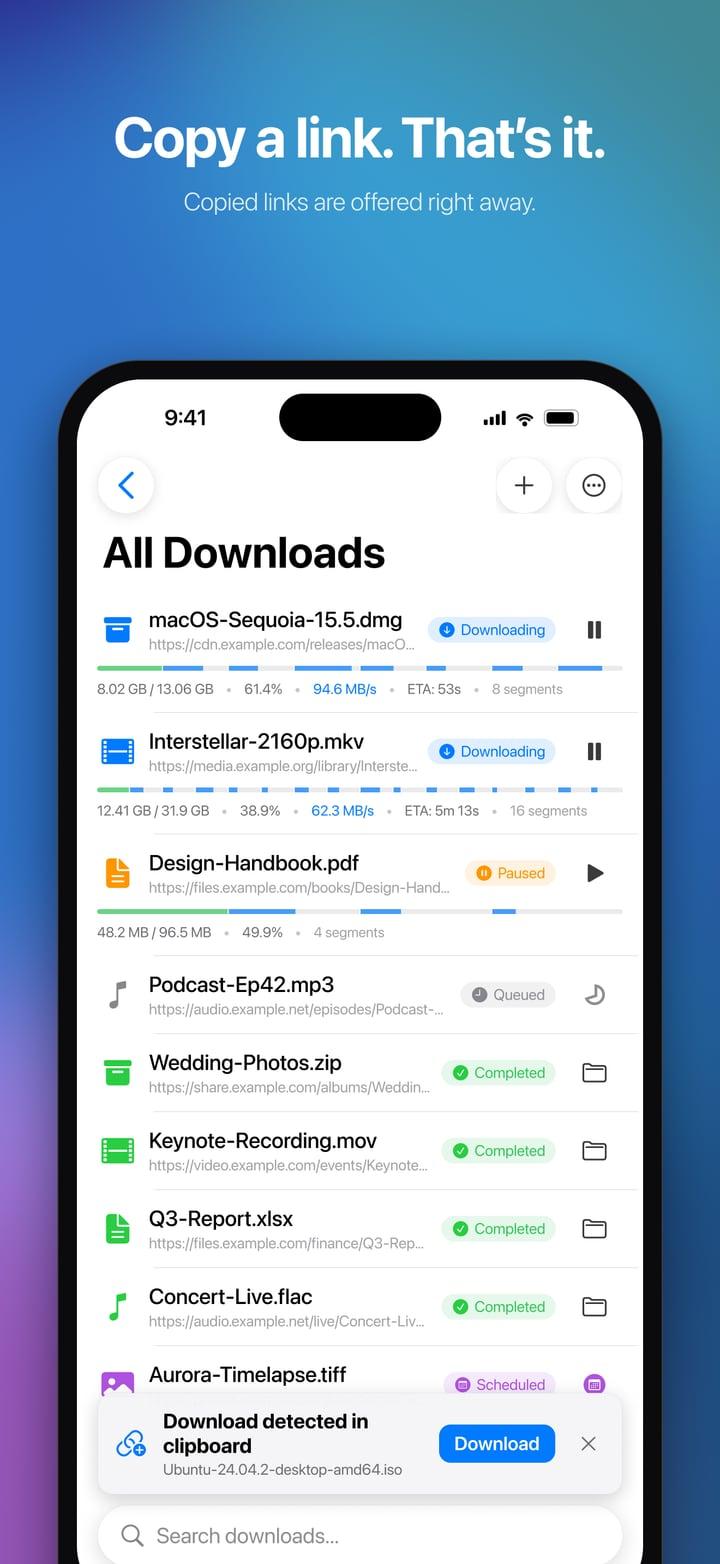
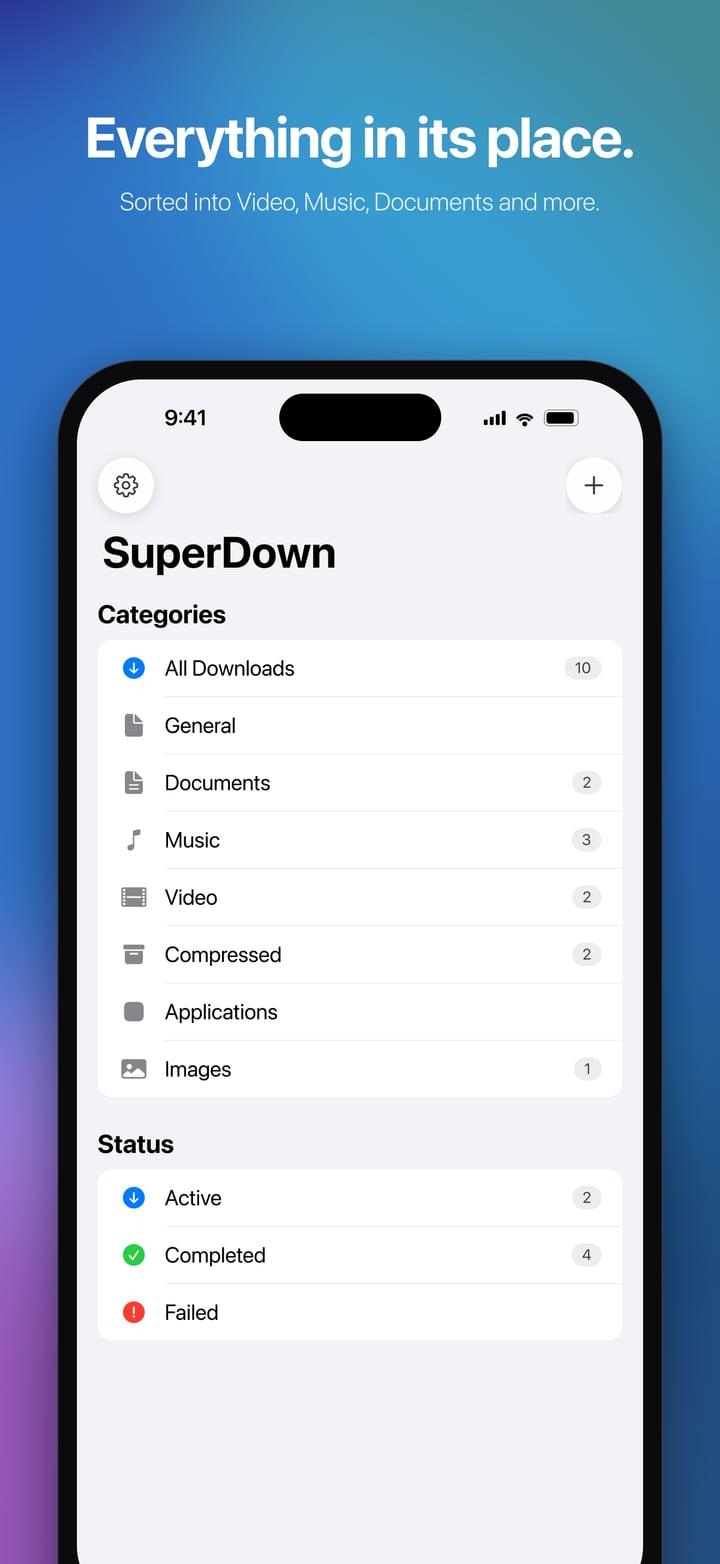
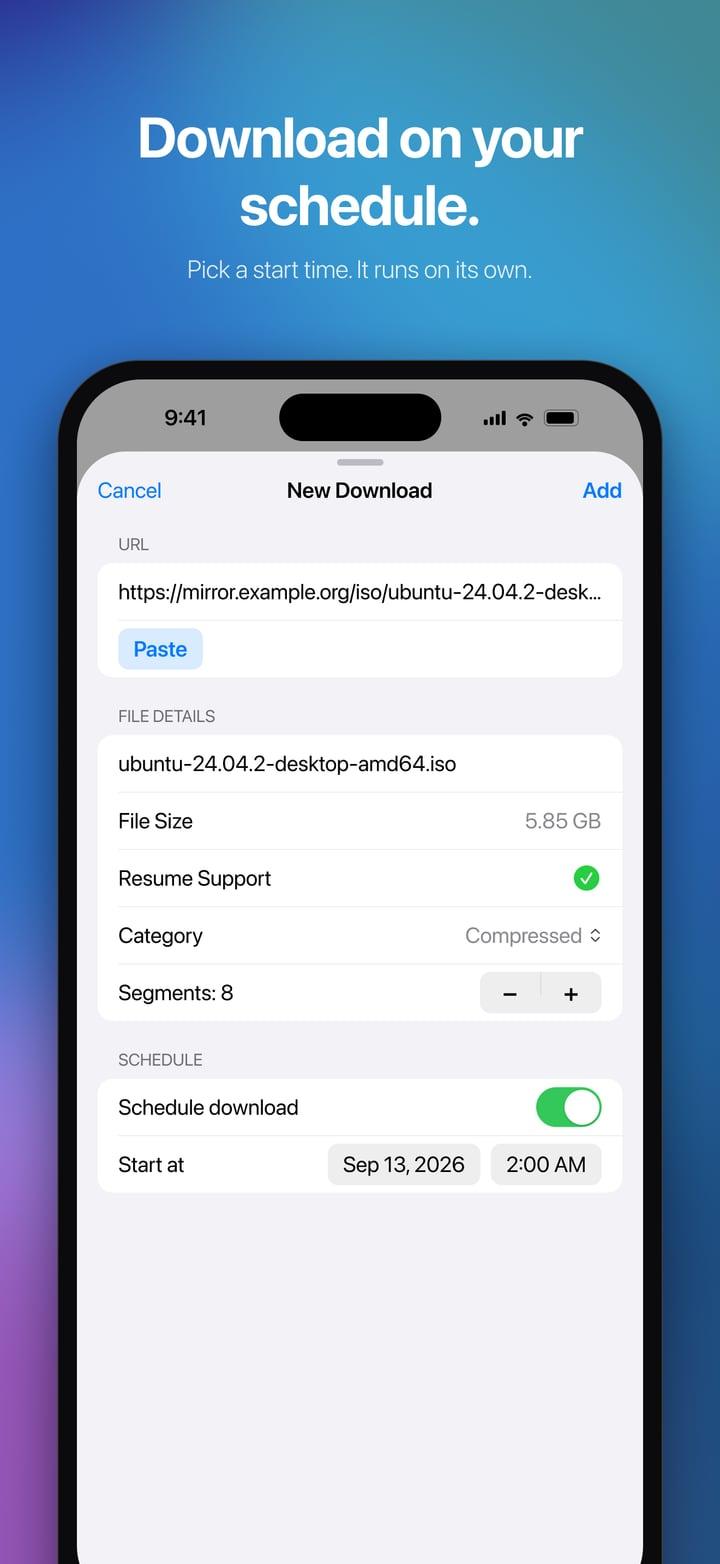
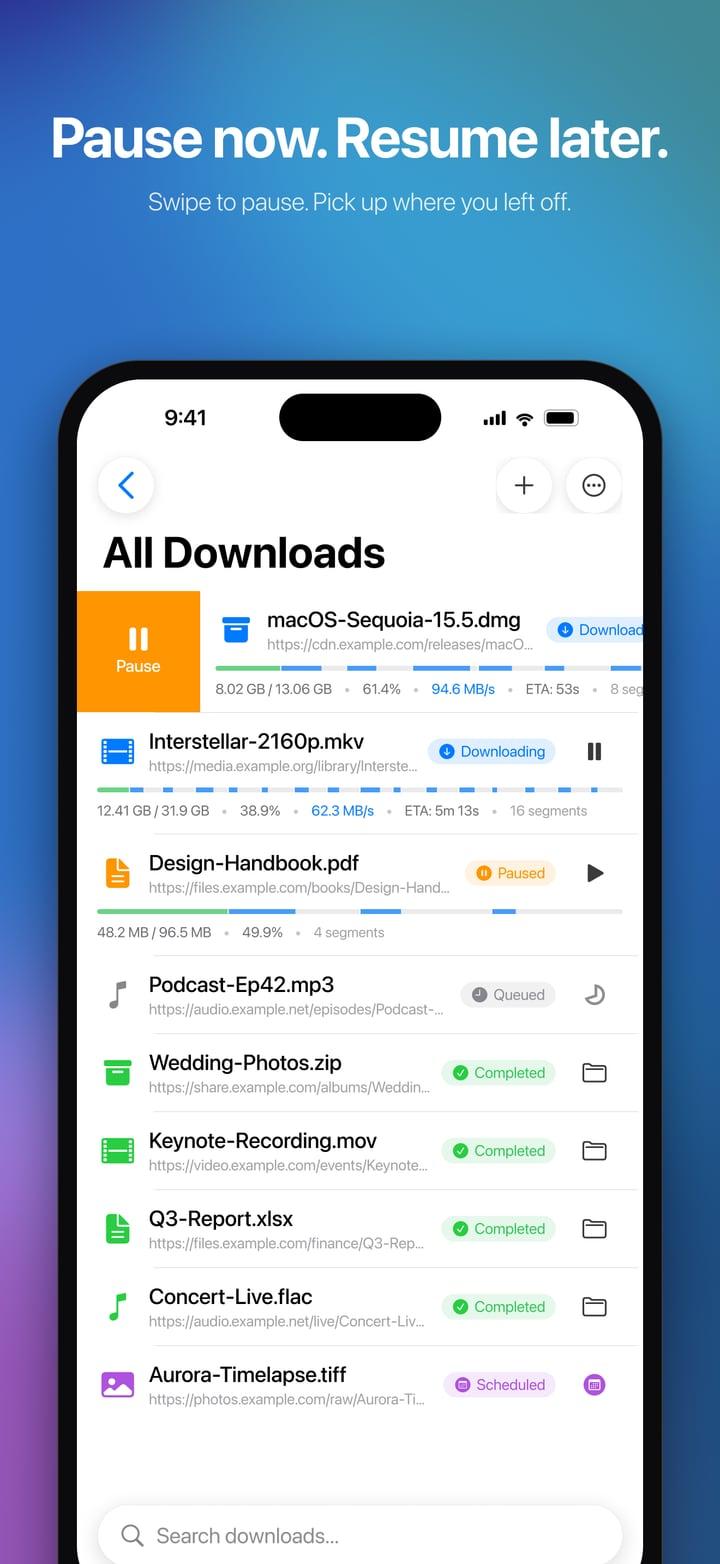
SuperDown moves big files fast. Instead of pulling a file through one connection, it splits the download into parts and fetches them all at once, over up to 32 connections, so disk images, video projects, datasets and installers arrive in a fraction of the time. Transfers pause and resume, even after a restart, and every part is checked against what the server promised, so a dropped connection never leaves a corrupt file. Finished files sort themselves into folders, and on iPhone and iPad a Live Activity shows progress in the Dynamic Island.
On the Mac
5 screens
On iPhone
6 screens
The challenge
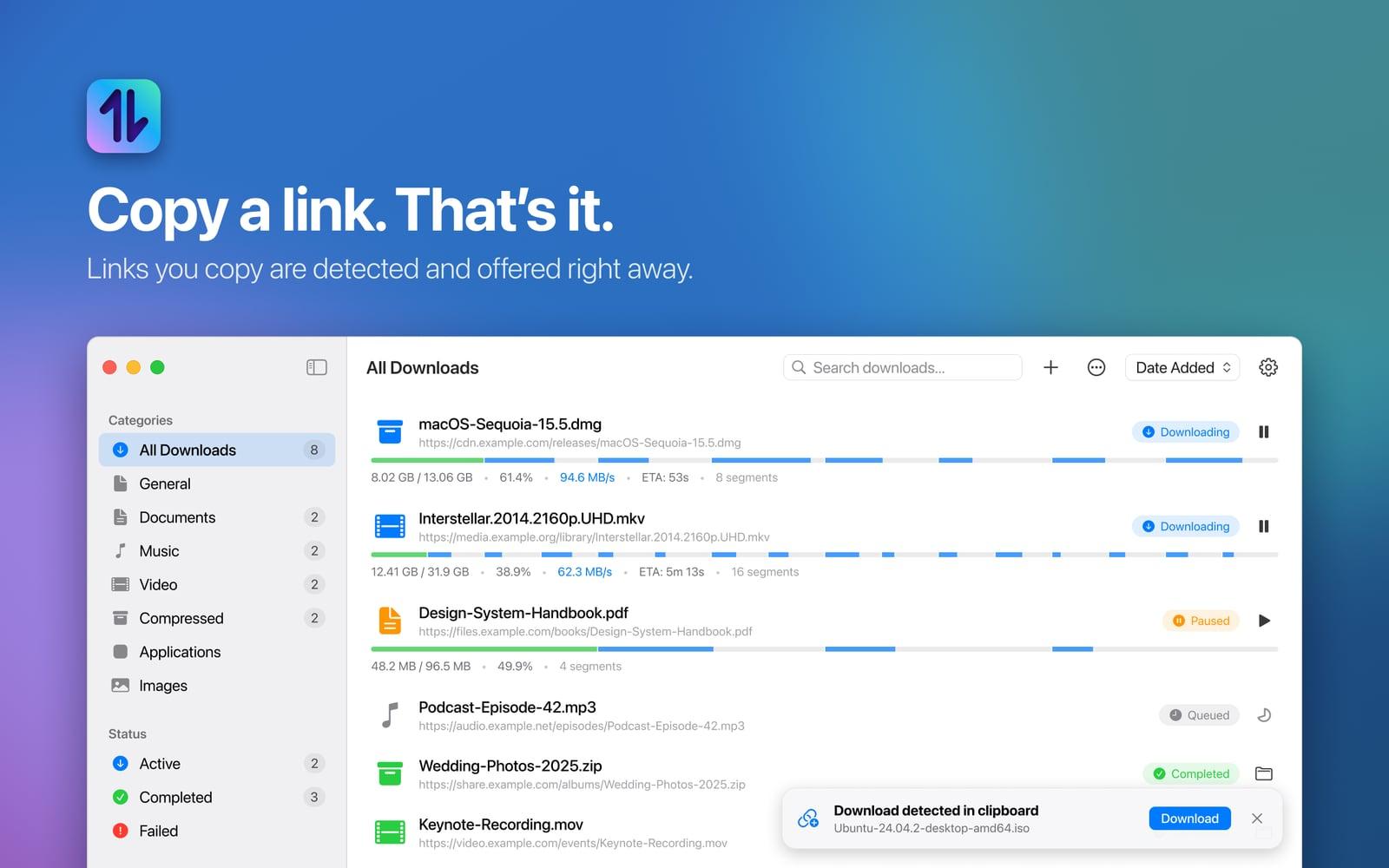
Browsers download through a single connection and lose everything on a dropped link, which turns a large file into a long wait and a retry. A download manager that fixes it also has to feel native on the Mac, iPhone and iPad rather than like a ported utility, and stay trustworthy about what it does with the clipboard it watches.
The result
One app for Mac, iPhone and iPad on the App Store that segments every download, survives interruptions and files its results away on its own. It collects no data: no account, analytics or tracking, and it connects only to the servers you download from.
Built with
Swift
SwiftUI
URLSession
XcodeGen
Ready
to start
your project
Ready
to start
your project